

Write, calculate, present and read PDFs, free
Four desktop apps for Word, Excel, PowerPoint and PDF files, with proper Arabic. No subscription, works offline.
Free · version 20.0.9 · Windows 10 and 11, 64-bit · macOS 11 or later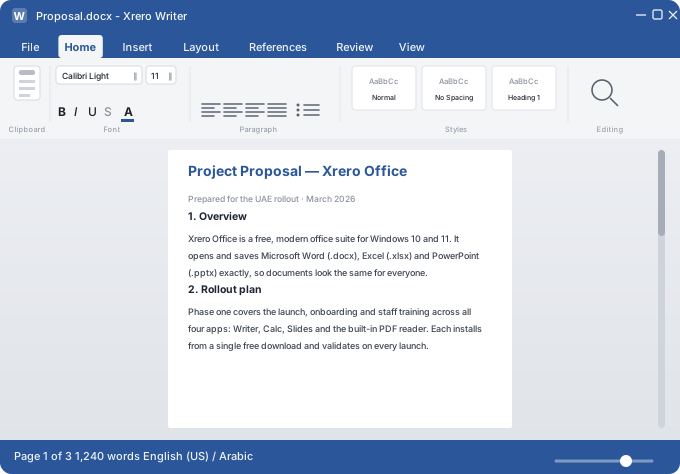
Your office files, with no subscription to pay
Office subscriptions are often paid per person, every month, just to edit ordinary files. Xrero Office does it free, on your computer.
- Writer for .docx, Calc for .xlsx, Slides for .pptx
- PDF to read, comment, fill and convert
- Works offline; nothing to renew
The files your team already uses, without conversion
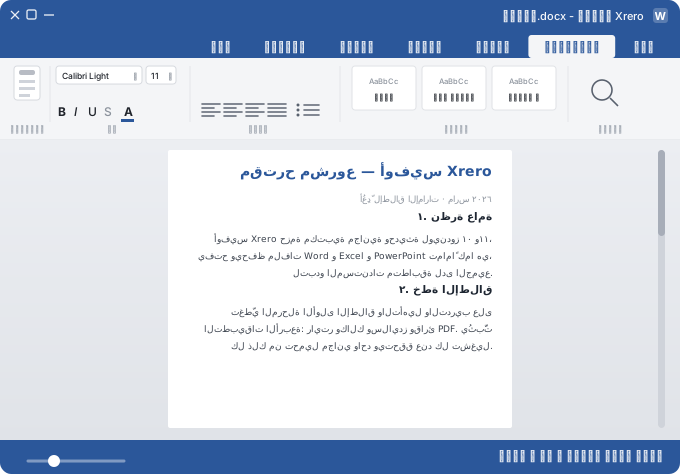
Pick an app to look inside. Each switches between English and Arabic in one click.
Your files, your computer, no monthly bill.
Free, in Arabic and English.
Built for how you actually work
Styles, tables, headers, track changes, comments and mail merge, the way you already work.
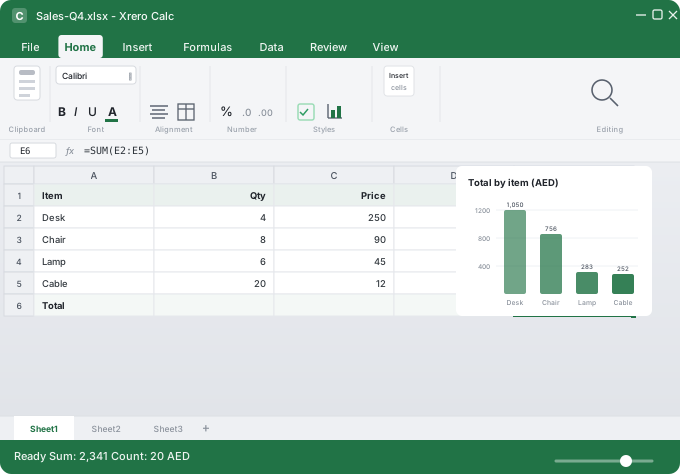
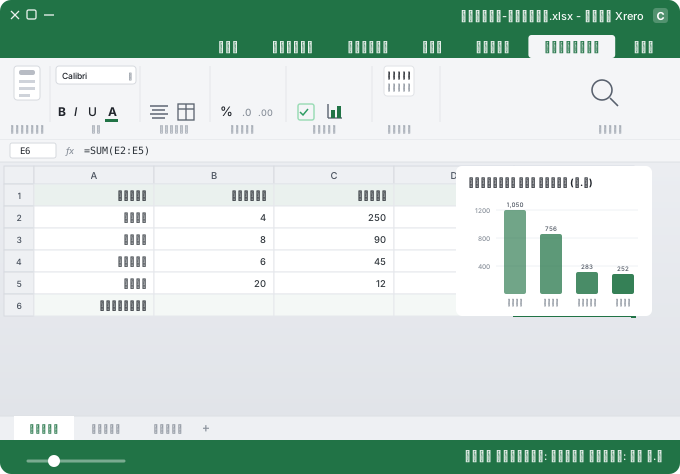
Charts, conditional formatting and data validation, with Arabic and English numbers shown correctly.
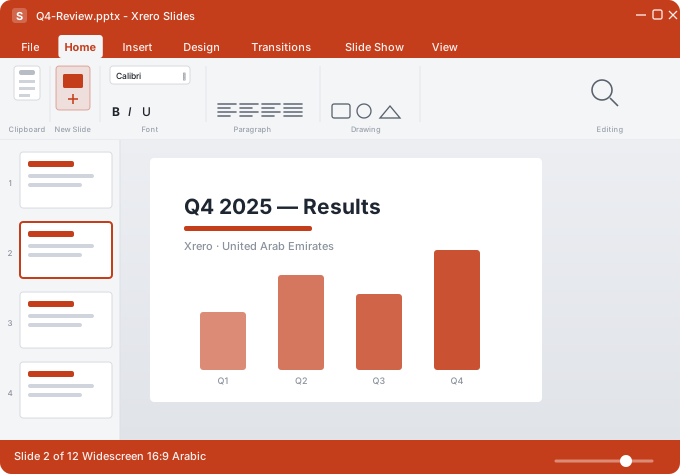
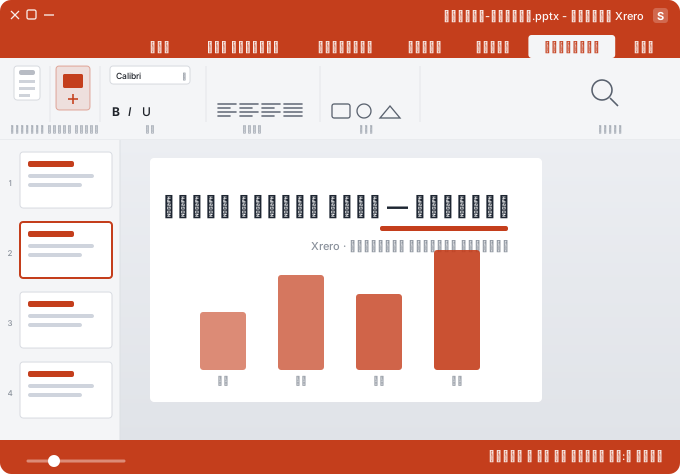
Transitions, animations, slide masters, speaker notes and a presenter view.
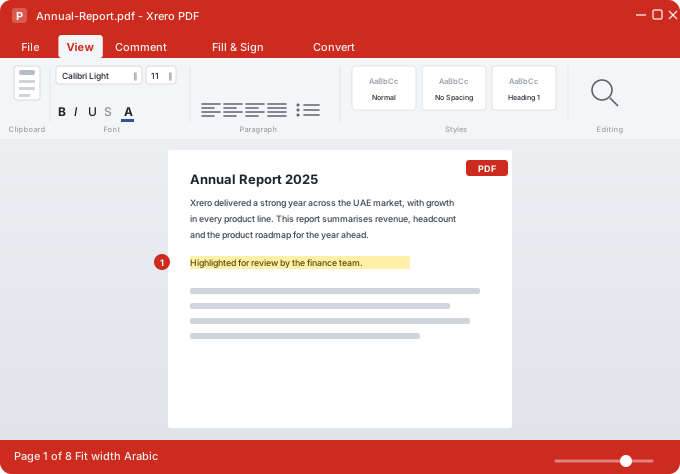
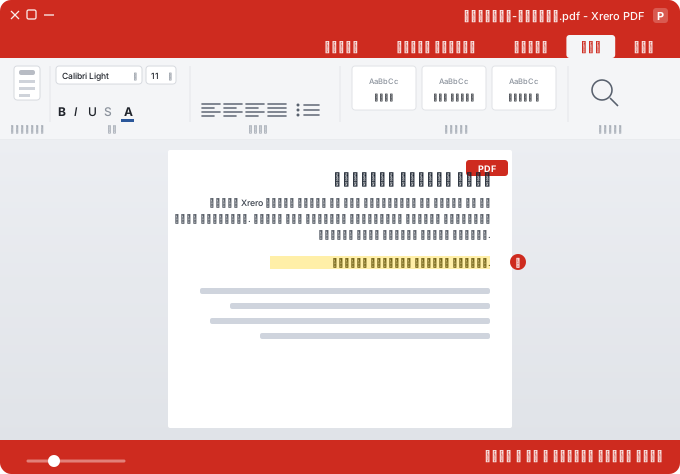
Read, highlight, comment and fill PDFs, or turn one into an editable file.
Arabic OCR included; exported Arabic PDFs can be copied and searched, tashkeel included.
Unsaved documents reopen in one click and save back to their original file.
Get Xrero Office for your device
Free, no subscription, works offline.
Windows
The four apps, Arabic OCR and the PDF converter in one install.
The Microsoft Store version updates itself.macOS
Which Mac? Apple menu → About This Mac shows “Apple M…” or “Intel”.
- Open the .dmg and drag Xrero Office to Applications.
- The first time, macOS asks you to confirm:
- System Settings → Privacy & Security → Open Anyway.
Free office suite, openly priced business system
Documents, spreadsheets, slides and PDF on your own computer. No subscription, ever.
Accounting, VAT, payroll with WPS, sales and stock online. AED 83 on the annual plan; set-up from AED 2,999; 15-day trial, no card.
Common questions
Is Xrero Office really free?
Yes. No subscription and no payment, ever. It is distributed under the AGPL-3.0 licence.
Will it open our Word, Excel and PowerPoint files?
Yes. Writer, Calc and Slides open and save .docx, .xlsx and .pptx directly, so files go back to colleagues in the format they sent.
Does it handle Arabic properly?
Yes. Right-to-left in every app, Arabic headings and numbers in spreadsheets, Arabic OCR, and Arabic PDFs that can be copied and searched.
Is there a Mac, iPhone or iPad version?
Mac, yes: macOS 11 or later, Apple silicon and Intel. iPhone and iPad are coming to the App Store.