

اكتب واحسب واعرض واقرأ ملفات PDF، مجانًا
أربعة تطبيقات لسطح المكتب لملفات Word وExcel وPowerPoint وPDF، بعربية صحيحة. بلا اشتراك، وتعمل دون إنترنت.
مجاني · الإصدار 20.0.9 · Windows 10 و 11 بنظام 64 بت · macOS 11 أو أحدث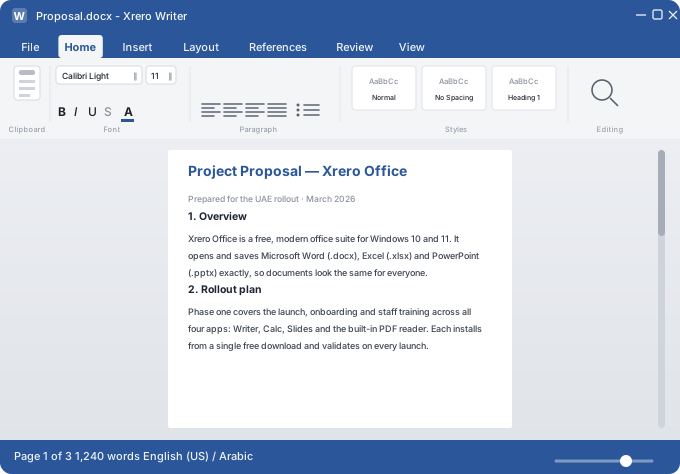
ملفاتك المكتبية، بلا اشتراك تدفعه
كثيرًا ما يُدفع اشتراك البرامج المكتبية عن كل شخص وكل شهر، لمجرد تعديل ملفات عادية. إكسريرو أوفيس يفعل ذلك مجانًا، على جهازك.
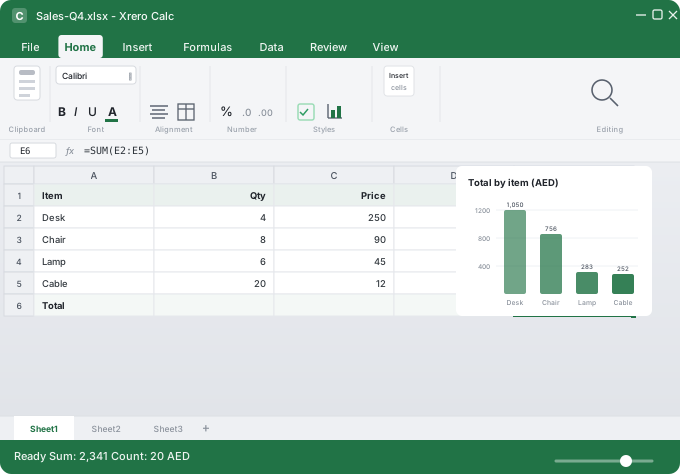
- Writer لملفات .docx، وCalc لـ .xlsx، وSlides لـ .pptx
- PDF للقراءة والتعليق والتعبئة والتحويل
- يعمل دون إنترنت، ولا شيء للتجديد
الملفات التي يستخدمها فريقك، دون تحويل
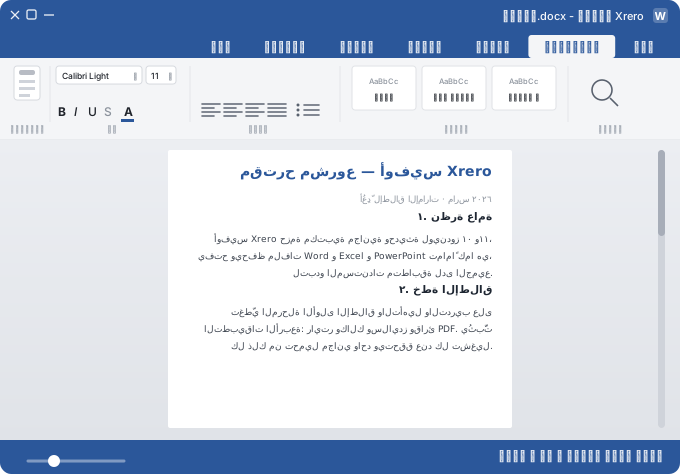
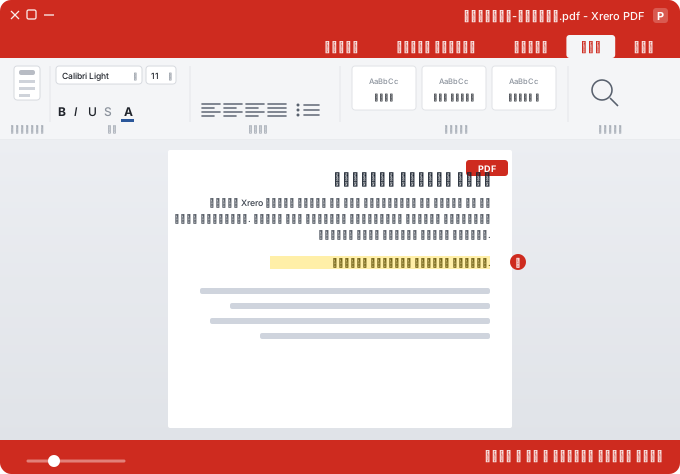
اختر تطبيقًا لترى ما بداخله. كل تطبيق يتبدل بين الإنجليزية والعربية بنقرة.
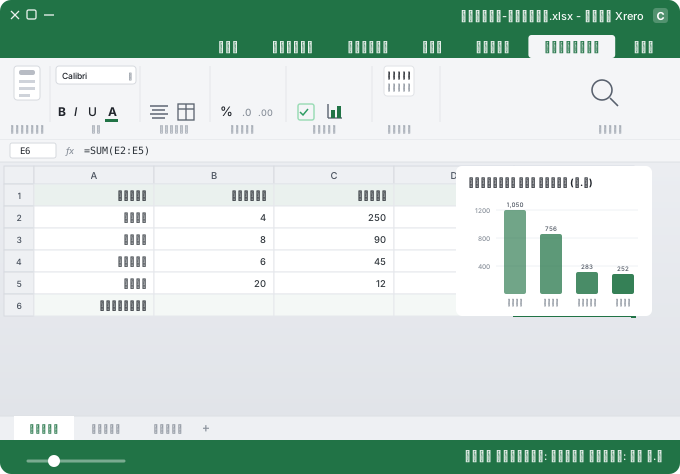
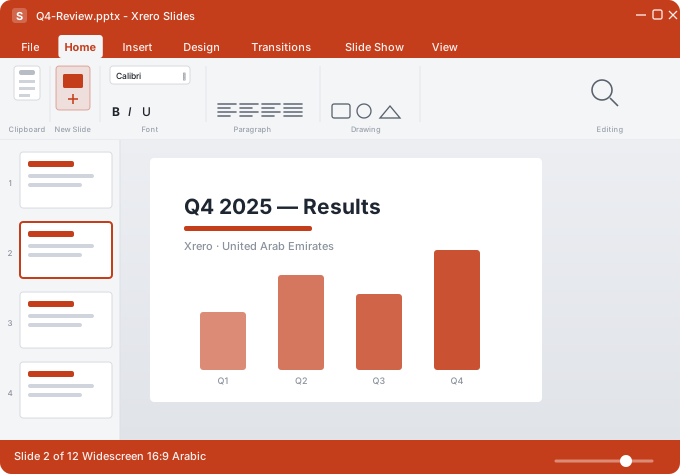
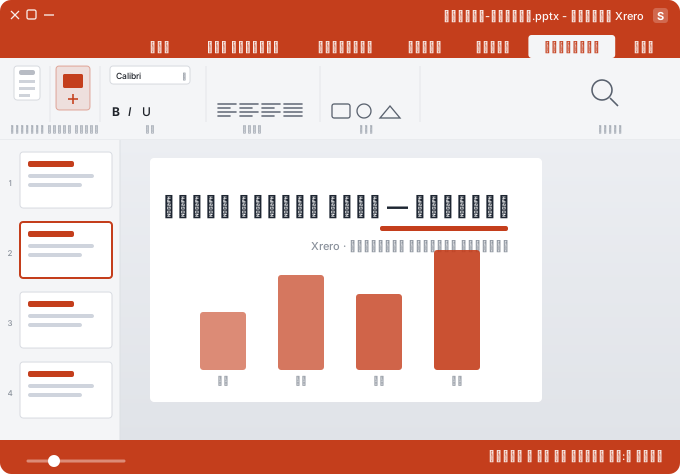
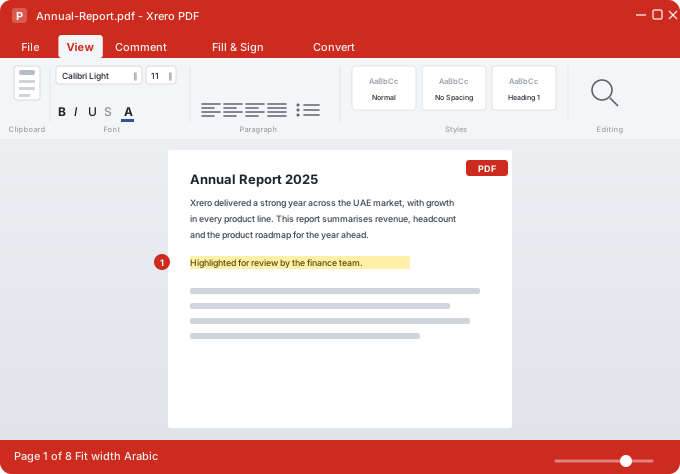
ملفاتك، على جهازك، بلا فاتورة شهرية.
مجانًا، بالعربية والإنجليزية.
مصمم لطريقة عملك الفعلية
الأنماط والجداول والرؤوس وتتبع التغييرات والتعليقات ودمج المراسلات، كما تعمل أصلًا.
رسوم بيانية وتنسيق شرطي والتحقق من البيانات، والأرقام صحيحة بالعربية والإنجليزية.
انتقالات وحركات وقوالب رئيسية وملاحظات متحدث وعرض مقدّم.
اقرأ ملفات PDF وظلّلها وعلّق عليها وعبّئها، أو حوّلها إلى ملف قابل للتعديل.
التعرف على النص العربي مشمول، وملفات PDF العربية المصدّرة قابلة للنسخ والبحث مع التشكيل.
المستندات غير المحفوظة تُفتح بنقرة وتُحفظ في ملفها الأصلي.
نزّل إكسريرو أوفيس لجهازك
مجاني، بلا اشتراك، ويعمل دون إنترنت.
Windows
التطبيقات الأربعة والتعرف العربي على النص ومحوّل PDF في تثبيت واحد.
نسخة Microsoft Store تتحدث تلقائيًا.macOS
أي Mac لديك؟ قائمة Apple ← حول هذا الـ Mac تُظهر «Apple M…» أو «Intel».
- افتح ملف .dmg واسحب Xrero Office إلى مجلد التطبيقات.
- في المرة الأولى يطلب macOS التأكيد:
- إعدادات النظام ← الخصوصية والأمان ← فتح على أي حال.
حزمة مكتبية مجانية، ونظام أعمال بسعر معلن
المحاسبة والضريبة والرواتب مع WPS والمبيعات والمخزون على الإنترنت. 83 درهمًا في السنوي، والإعداد من 2,999 درهمًا، وتجربة 15 يومًا بلا بطاقة.
أسئلة شائعة
هل إكسريرو أوفيس مجاني فعلًا؟
نعم. بلا اشتراك ولا دفع، أبدًا. ويُوزَّع بموجب رخصة AGPL-3.0.
هل يفتح ملفات Word وExcel وPowerPoint لدينا؟
نعم. يفتح Writer وCalc وSlides ملفات .docx و.xlsx و.pptx ويحفظها مباشرة، فتعود الملفات إلى زملائك بالصيغة التي أرسلوها.
هل يتعامل مع العربية بشكل صحيح؟
نعم. اتجاه من اليمين إلى اليسار في كل تطبيق، وعناوين وأرقام عربية في الجداول، وتعرف على النص العربي، وملفات PDF عربية قابلة للنسخ والبحث.
هل توجد نسخة لأجهزة Mac أو iPhone أو iPad؟
لأجهزة Mac نعم: macOS 11 أو أحدث، بمعالجات Apple silicon وIntel. ونسخة iPhone وiPad قادمة إلى App Store.